
If you want to create a WordPress website, you can do it directly through Voyager.ink’s platform.
In this guide, you will learn how to:
- Create your account
- Set up your blog website
- Navigate your dashboard
- Write and publish your first post
Let’s get started.
1. Register Your Account
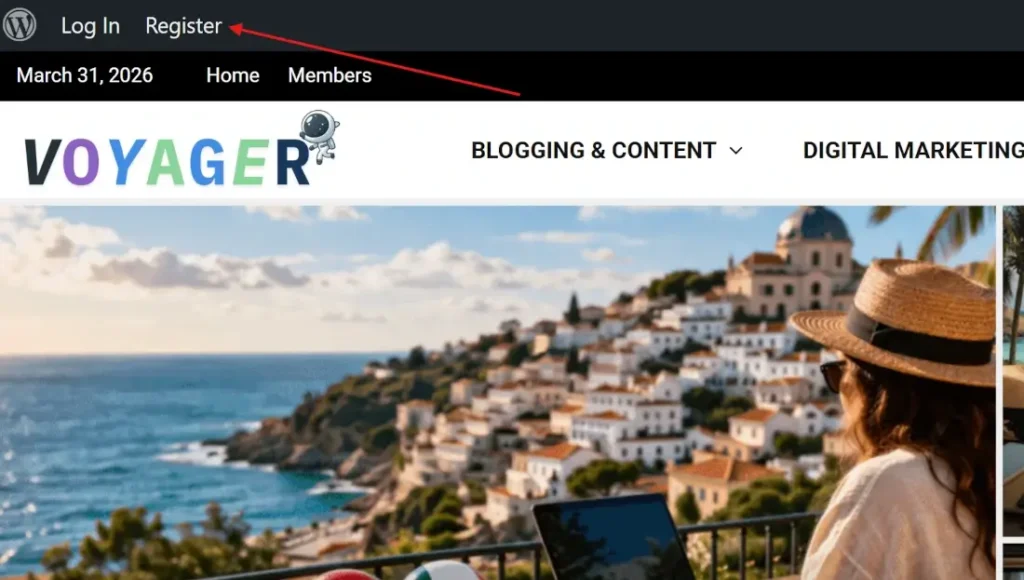
Navigate to the “Register” button located in the top-left menu.
You will be redirected to the registration page, where you will need to complete a short form.
2. Fill in Your Details
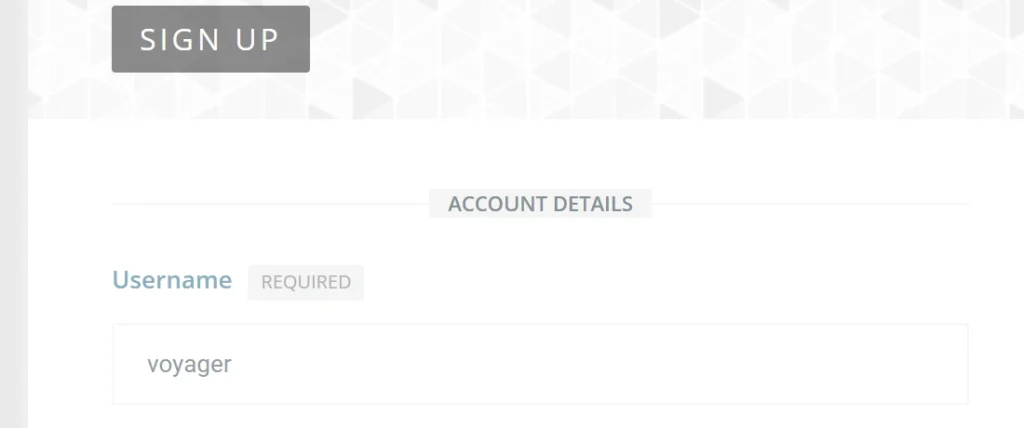
Complete the registration form carefully:
Proceed filling the form. Make sure you the “Username” is lowercase otherwise the process cannot be completed.
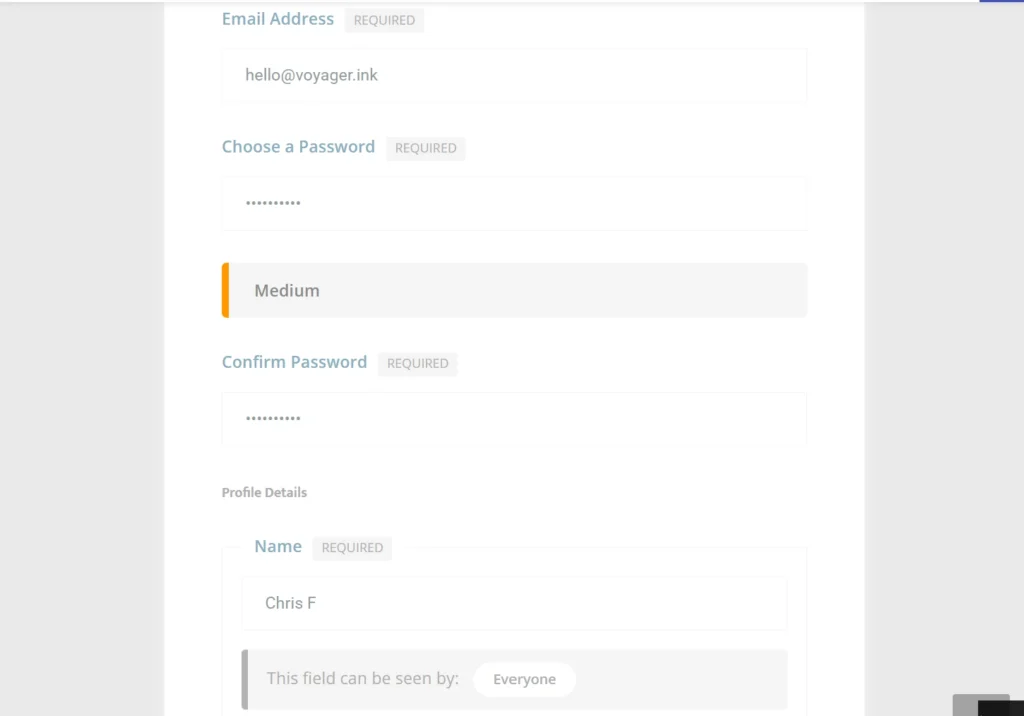
Then go on and fill in the email address, password, and the profile name.
3. Choose to Create a Website
During registration, you will be asked if you want to create a website.
This step is important:
- If you select No, you will only have a Voyager.ink account
- If you select Yes, you will also create your own blog website
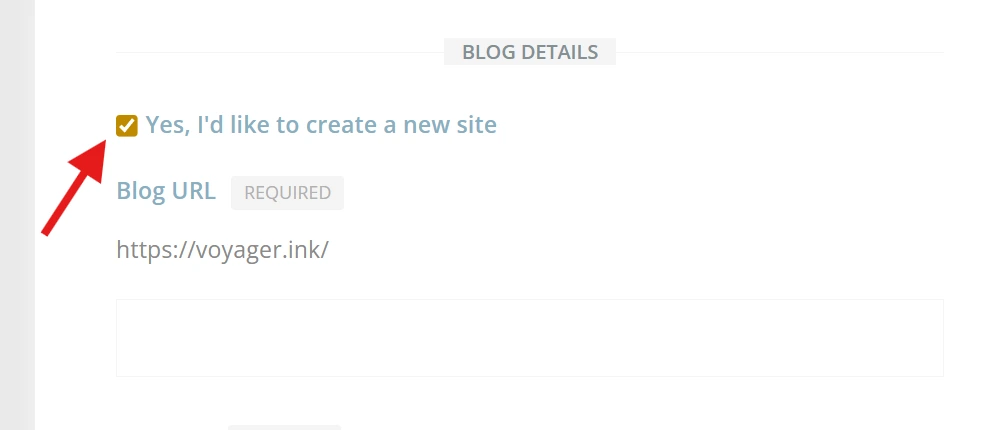
To create a blog, select:
“Yes, I’d like to create a new site”
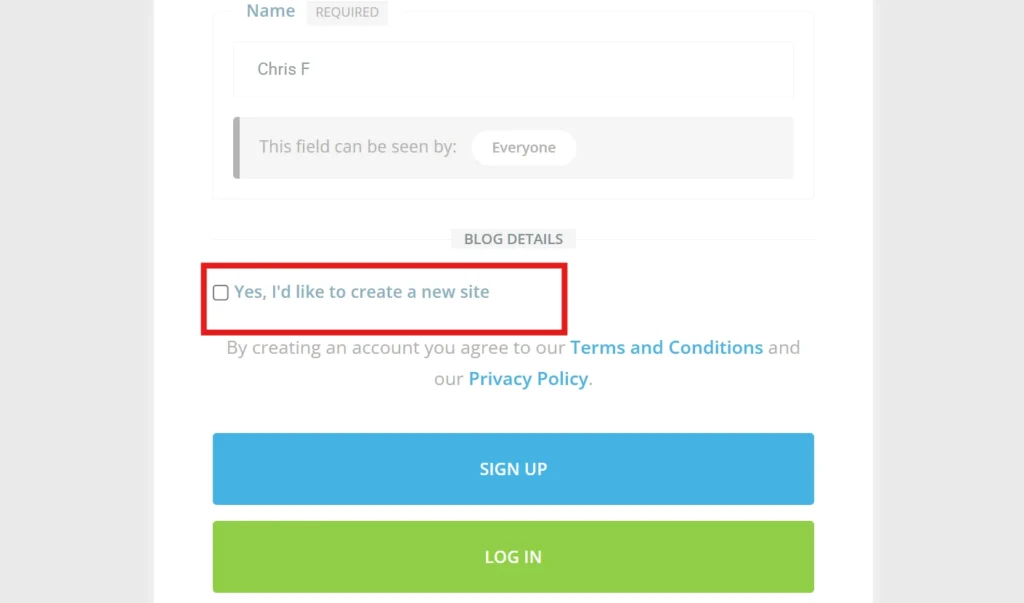
So, go on and click on “Yes, I’d like to create a new site”.
4. Complete Website Details
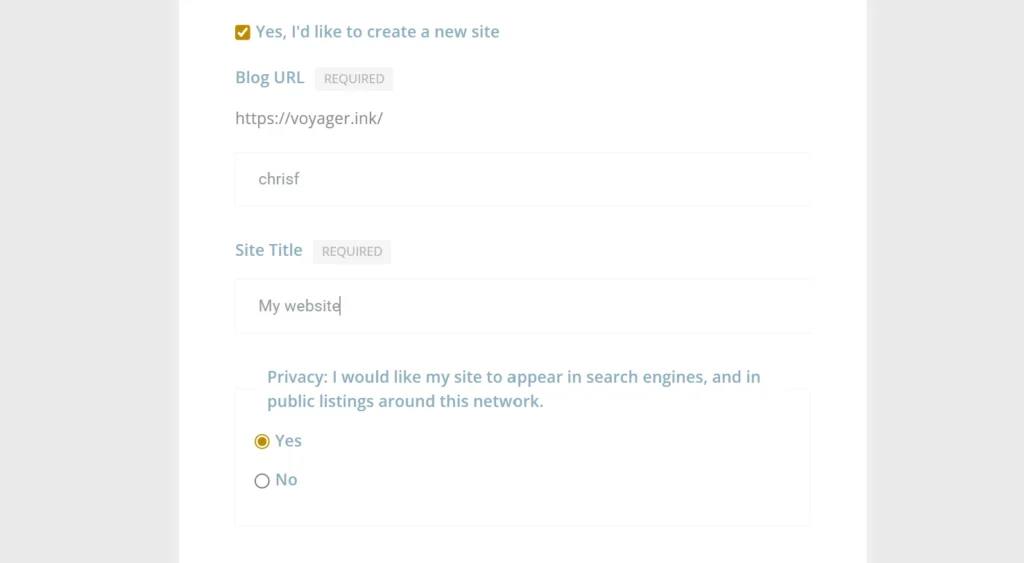
Once you select “Yes,” additional fields will appear.
Fill in the required details for your website.
⚠️ Important tip:
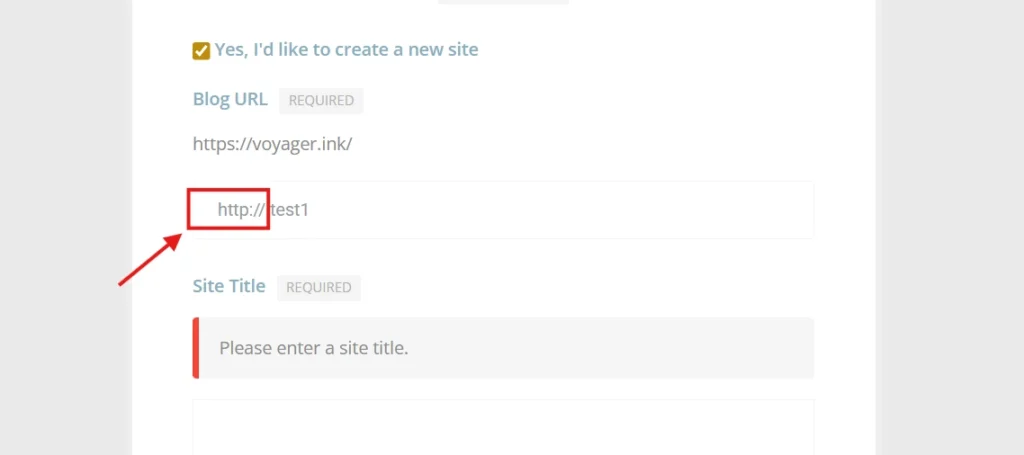
If the Blog URL field automatically includes “http://”, remove it before continuing.
Otherwise, the registration may fail.
5. Search Engine Visibility
You will be asked whether your site should appear in search engines.
Select “Yes”, then click “Sign Up”.
6. Activate Your Account
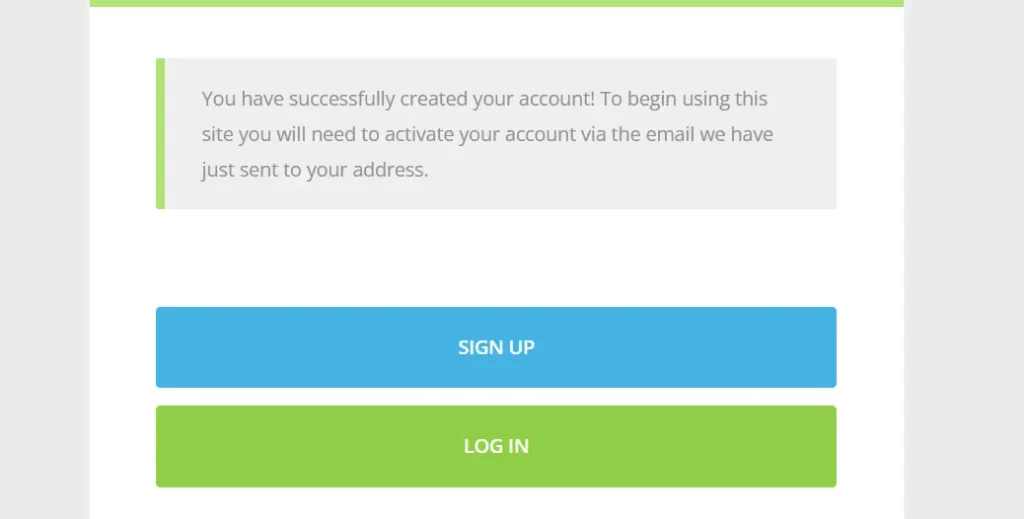
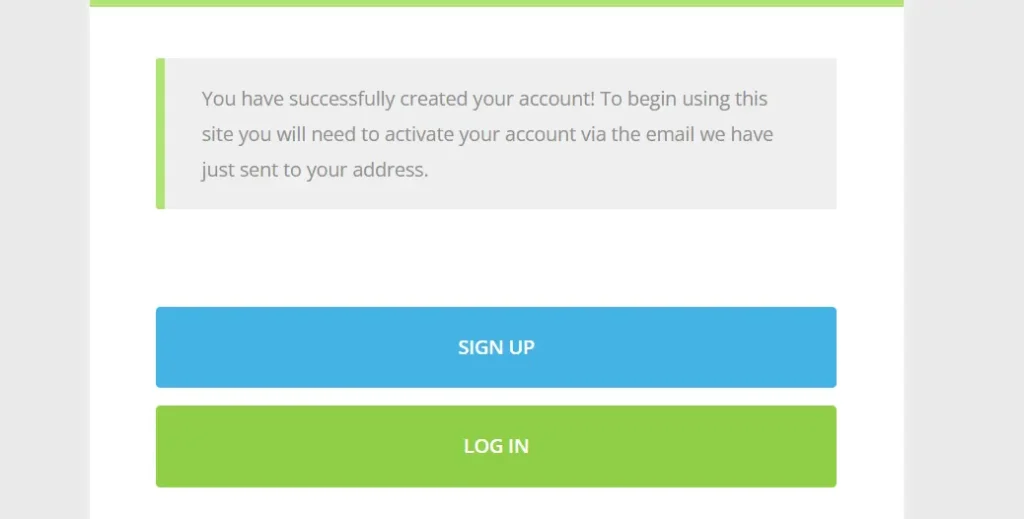
After signing up, you will see a confirmation page.
Voyager.ink will send you an email to activate your account
7. Check Your Email
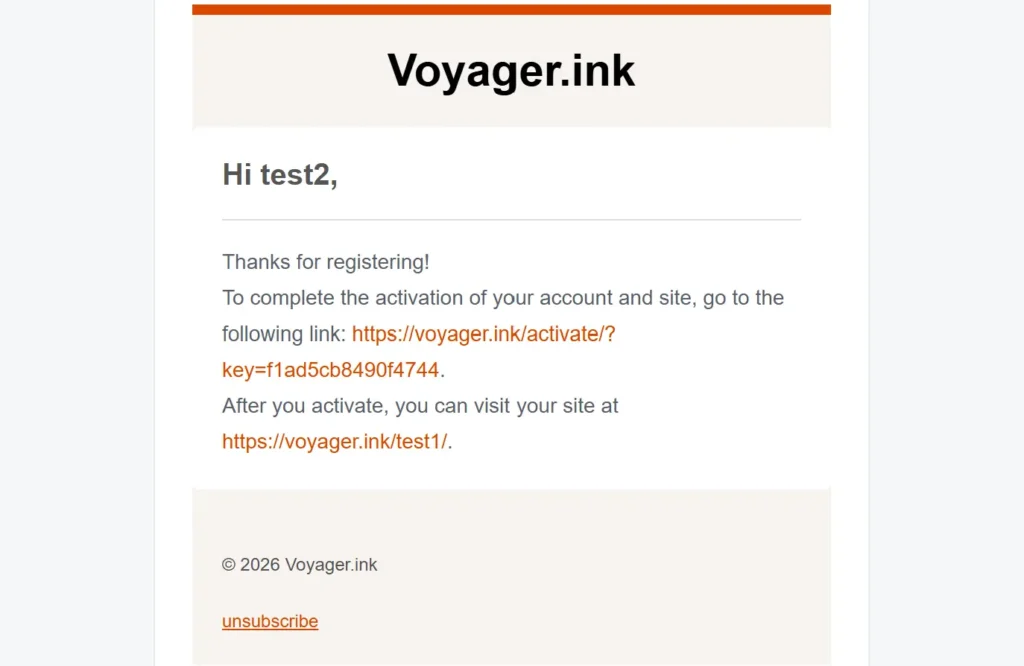
Open the email you received.
Click the first activation link to verify your account.
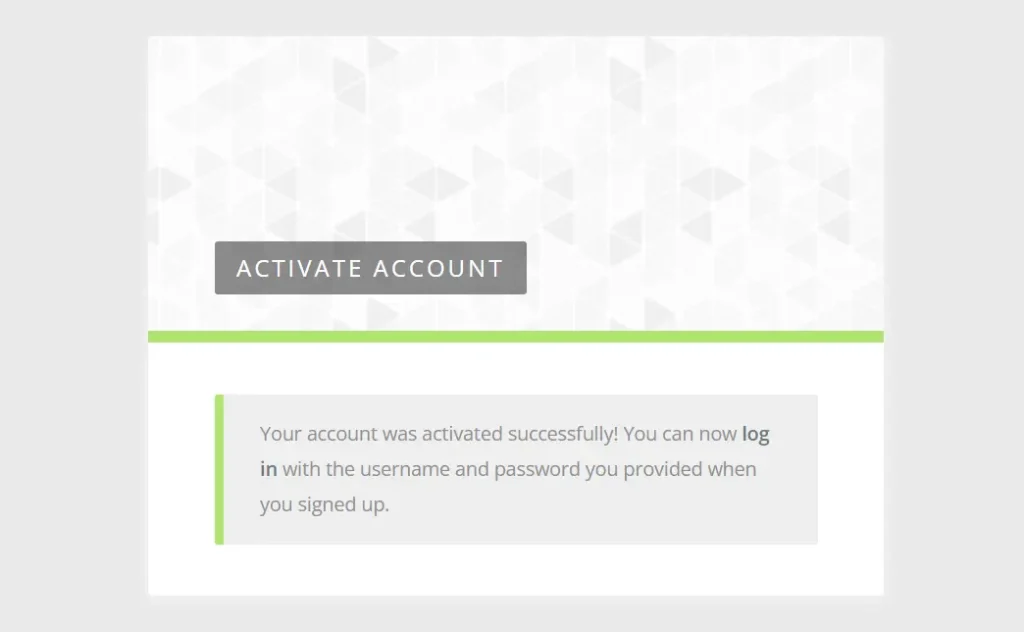
You will then be redirected to a page confirming successful activation.
8. Log In to Your Account
Use the credentials you created to log in.
Once logged in, you will be taken to the main dashboard.
9. Access Your Website
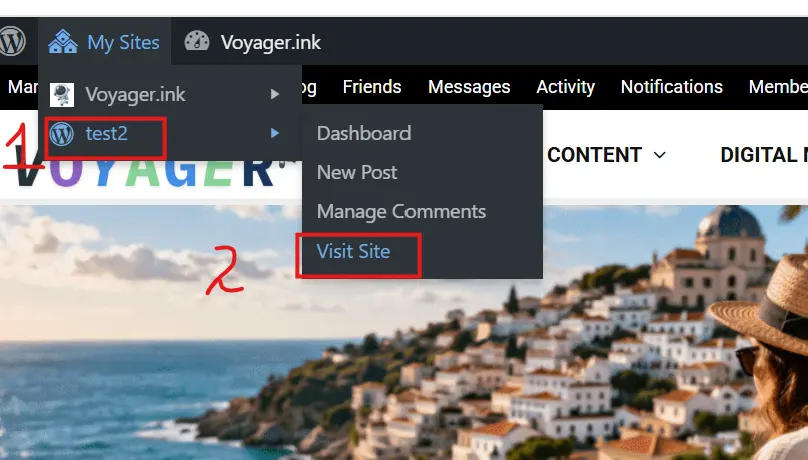
Go to “My Sites”.
You will see:
- The Voyager.ink main site
- Your newly created website
Select your site and click “Visit Site”.
Congrats! You have created your account and your website on Vogiager Ink.
Start writing your first blog post.